|
The Sirius 1 and Victor 9000 was available with a Winchester drive fitted. The most common option was a 10 megabyte MFM drive although there was a five megabyte option available. When this option is fitted there is only one double sided floppy drive as the hard drive took up the space of the other floppy. There are two other necessary cards one is a Xebec card that sits above the hard drive and a DMA board the interfaced between the Xebec card and the main board. This card is fitted into one of the expansion slots.
No modifications to the main board is necessary or the disk drive board but the power supply is modified with extra power connectors to supply the Winchester drive and Xebec controller. The power supply best able to cope with the extra load is the Astec supply as it is more robust than the Compower supply (see section on power supplies). More heat is generated with this option therefore it is important to ensure the fan is fully operational and dust free. Any of the boot ROMs fitted to the mainboard would work with this option either the standard Victor ROMs or the Victor Universal ROMs and, of course, the 'ISSUE' ROMs. The operating system needed to get the best out of the Winchester drive is MS-DOS Ver 2.1 as with this system it is possible to arrange folders on the hard drive whereas with MS-DOS Ver 1.25 this was not possible. There is a hard drive version of MS-DOS 2.1 that holds all the files necessary to initialise and format the new drive ready for use. A quick use of the "SYSCOPY" utility transfers the system files to the drive following format. It is possible to fit other sizes of MFM drives other than the ten megabyte using the Victor "HDSETUP" program on disk and the drive specifications are known.
Here is a complete How To.... when setting up a drive with fault finders should it not go as planned.
The designations of the drives is different from the IBM PC in that the hard drive is designated drive "A" and the single double sided floppy is desiginated drive "B". As soon as power is applied to the computer the harddrive will boot after a few checks unless there is a system disk in the 'B' drive then it will boot from that disk. It is not possible to use CP/M-86 directly with a hard drive although the use of the "RDCPM" emulator allows CP/M-86 programs to run from the Winchester under MS-DOS.
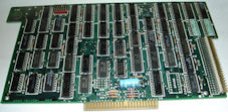
DMA Board
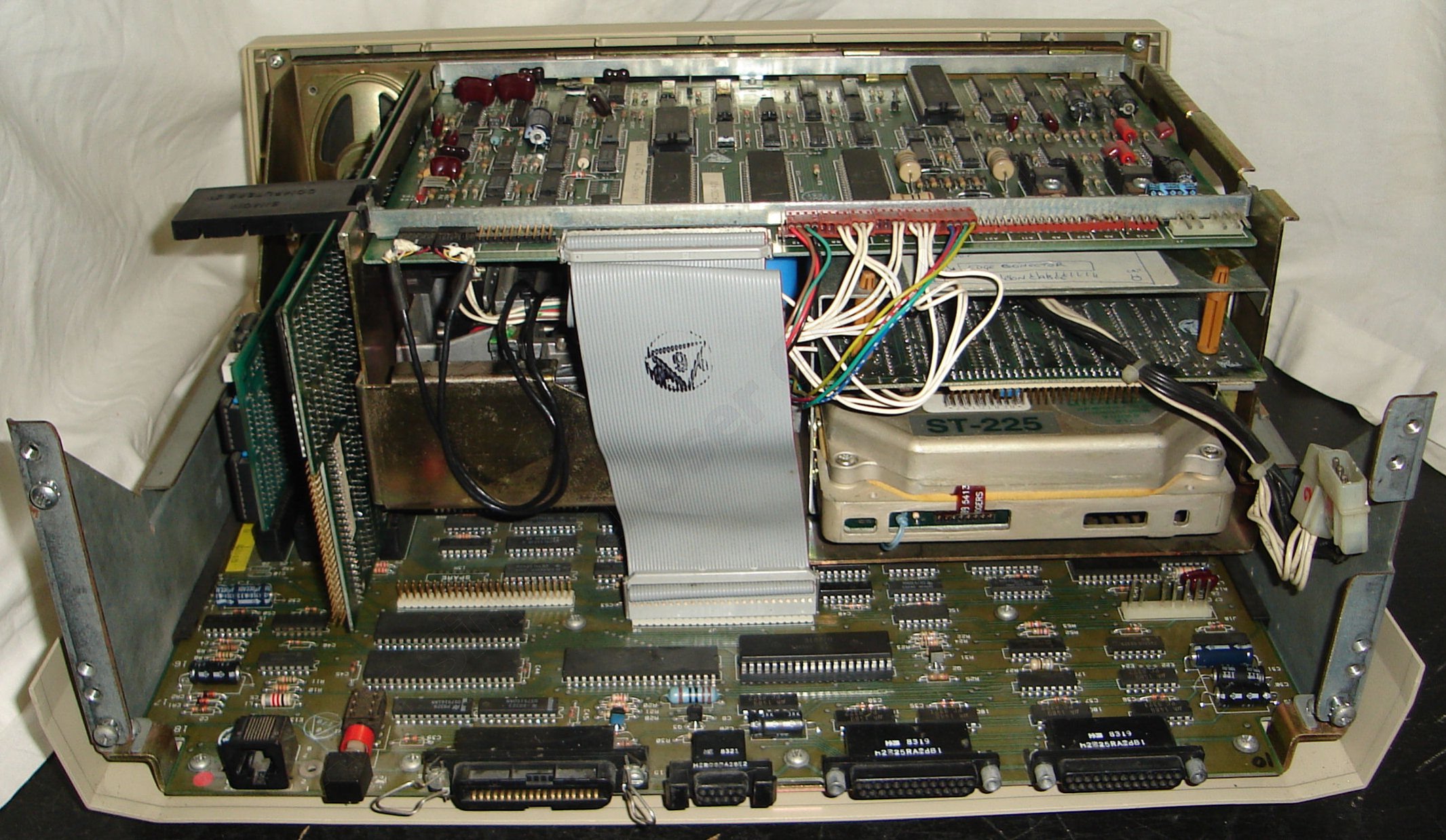
This unit is inserted into an expansion slot and is connected to the Xebec controller card by a 50 way ribbon cable.
As can be seen from the image the 50 way ribbon cable is attached to the rear of the DMA board close to the fan. A plastic spacer that secures the board in an upright position and slots onto the metal disk controller unit is not shown.
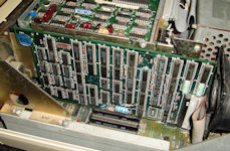
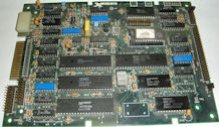
Xebec Card
The Xebec card is the interface between the hard drive controller and the DMA board. There are two connections to the hard drive controller and one to the DMA card plus a power supply socket.
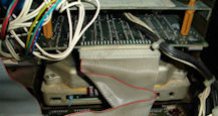
As can be seen in the right hand picture the Xebec board sits upside down above the Winchester disk and is suspended from plastic standoffs. The ribbon cables attaching the Xebex to the hard drive are to the front of the unit out of sight as is the power connector. The 50 way ribbon cable can clearly be seen as can the top front of the Winchester disk. Also note that lack of space as all the components are packed into very limited space. The metal case of the disk control unit is also nodified to take this option and differs to that of the standard two floppy disk version.
Winchester Disk
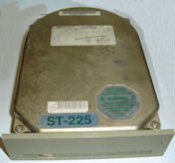
The heart of the system is the Winchester hard disk unit. The one pictured is a Seagate ST225 MFM
20 megabyte 5¼, half height unit. The specifications listed beside the picture will assist in the setting up of the drive under the "HDSETUP" program.
Click to see larger image in new window.
|
Seagate ST225 MFM Hard Drive
Specifications
Type 2
Cylinders 615
Heads 4
WPcom 300
LZone 615
Sectors 17
Unformatted size 20.6 megabyte
|
It is not a good idea to remove the top cover from a working drive to see what is inside as this will destroy the drive. A molicule of cigarette smoke is larger than the gap between the head and the platter. Any dirt or dust will totally destroy the heads.
Click HERE to see the insides of a drive and satisify your curiosity.(Don't try this at home!!!)
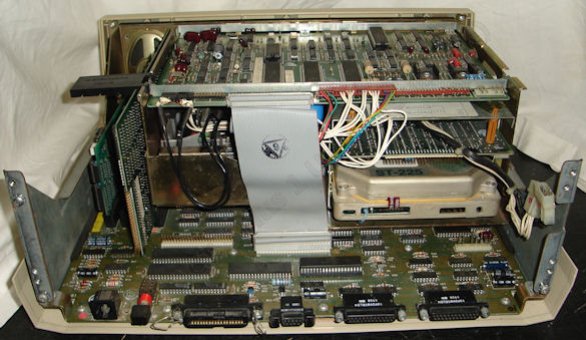
This picture below shows a complete hard drive installation viewed from the rear. The power supply and the 50 way ribbon cable have been removed to allow a clearer view. The extra power supply cables can be seen to the right disappearing above the Xebec controller. To the left above the DMA card is the plastic spacer previously mentioned. Clearly seen is the one double sided floppy drive and its connection to the Disk Drive Controller board both the two head connectors on the left and the stepper motor and switching plugs on the right. The Winchester version of the Sirius / Victor does not include a LED indicator on the front of the machine to show disk activity therefore a small modification to this machine via the blue wire disappearing under the drive terminates in a orange LED fitted into the front bezel. There is also extra memory fitted into a slot on the left, this is the 'ISSUE' 512Kb module giving this machine a total 640Kb of memory.
Click the image below to view a larger image.
|