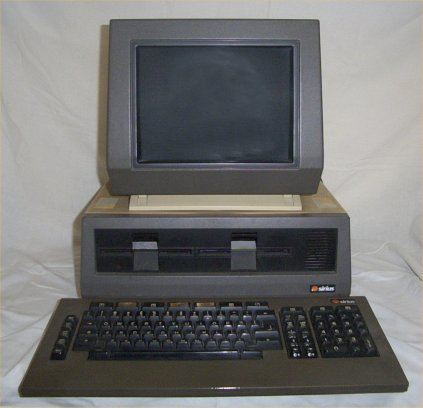
To attain the high level of clarity of the characters on the screen a 'micro-mesh' is fitted over the face of the CRT. As the years go by this 'micro-screen' becomes clogged with dirt and impairs the clarity of the characters displayed on the screen. Unless your screen has been cleaned recently you are not seeing the full capabilitys of the monitor.
Do not under any circumstances wipe this mesh with a cloth or any other type of material or spray it with any of the glass cleaners on the market today. This will result in clogging the 'micro-mesh' and rendering the monitor useless.
The only way to really clean the screen is to dismantle the monitor to remove the 'micro-screen' which can then be washed in a warm soap solution and dried with a hair drier. The face of the CRT can then be polished with a suitable glass cleaner and soft cloth.
A full description of how to do the above will be posted here shortly